Organization settings
Your profile and notifications, plus members, features, usage, and billing for admins.
Open Organization settings from the account menu at the bottom of the rail. Everyone sees Overview and Notifications. Admins and owners also see Members, Features, Usage, and Billing.
Models and the Agent Harness are under Settings in the rail. See Connect your AI and Agent harness.
Overview
- Pending invites to other organizations, with Accept or Decline.
- Profile: your name, email, and role. If you sign in with Google, Refresh from Google updates your name and picture.
- Organization: the organization's name. Admins and owners can rename it.
- Danger zone (admins): Clear chats & session history deletes every chat in the organization. The artifacts they made are kept.
Notifications
Run emails tell you how long work ended: when a run that took more than ten minutes, or one that resumed after a restart, finishes, waits for you, gets blocked or runs out of rounds, or fails, is interrupted, or is paused. Each member chooses for themselves.
Members
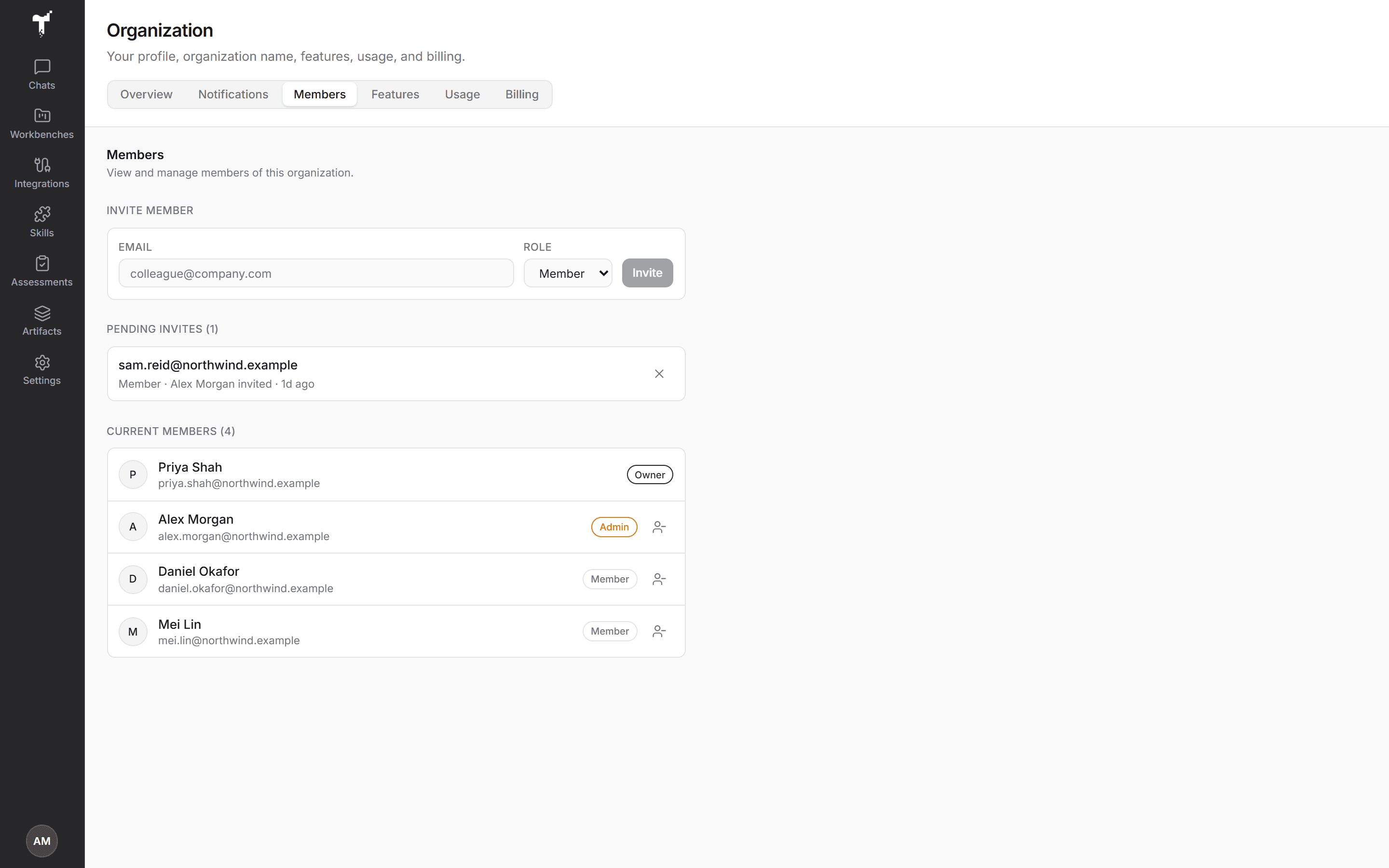
- Invite member: enter an email and choose a role. Only owners can invite admins. The invitee gets an email with a link that expires after seven days.
- Pending invites: cancel an invitation that hasn't been accepted.
- Current members: everyone in the organization, with their role. Admins can remove members, but not owners.
An organization can send up to 50 invites a day, and one email to the same address an hour.
Features
Turn features on or off for your organization. Platform features covers areas such as artifacts and embeds, skills, integrations, and workbenches. Content packs covers ready-made skills, workbench templates, and demo sources. Only the features available to your organization appear here. To ask for one that isn't listed, contact us through Support in the account menu.
Usage
Activity across your organization: chats, integrations, skills, artifacts, sessions, and users, with charts for each area. Use it to see adoption and which connections and apps your teams rely on.
Billing
Your plan and its status, the current period or trial end date, Subscribe, and Manage billing. See Billing, trial and limits.
See also: Organization & sign-in · Security & data.